How to Find Your
YouTube Comment History
Last Updated: December 2025
Quick Summary:
- Go to your Google My Activity dashboard.
- Filter by 'YouTube History'.
- Select 'Comments' to view, manage, and delete.
1 Accessing via Desktop
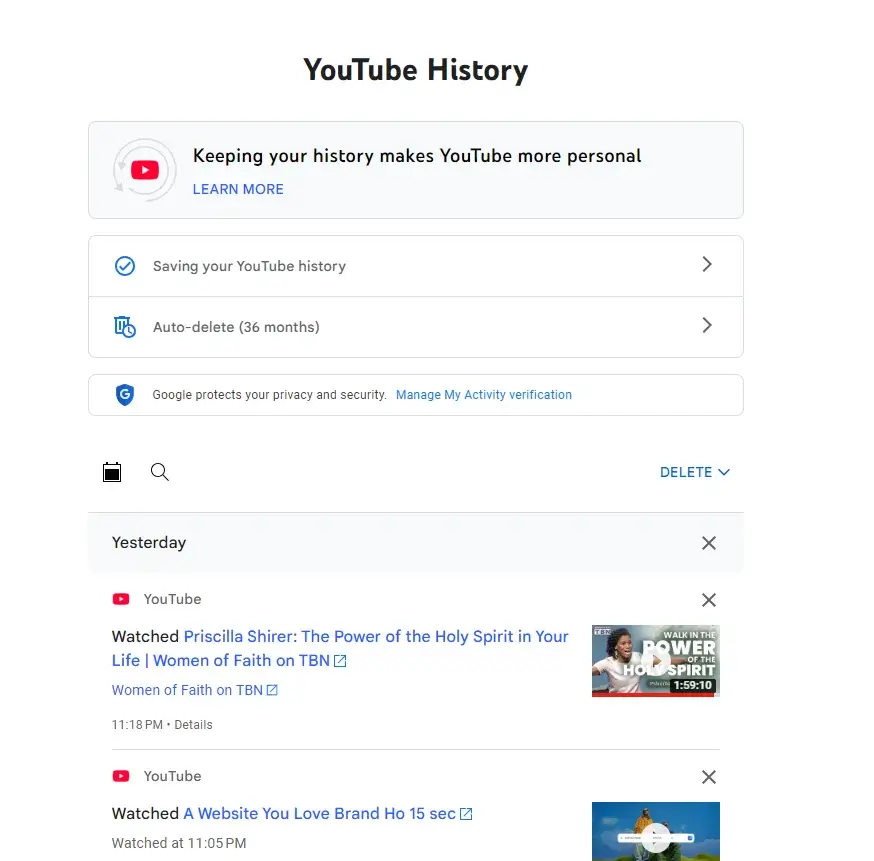
Navigate to Google My Activity
The YouTube Comment History is managed through your main Google Account Activity dashboard. Click here to go directly to the official Google Support page.
Filter Interactions
Once there, look for the 'Filter by date and product' option. Select 'YouTube' as the product, then apply a second filter for 'Interactions' and specifically choose 'Comments'.
Expert Tip
"I've spent hundreds of hours in the YouTube data settings. Use the official Google Takeout tool for a full archive, but use the My Activity page for quick deletions—it's much faster."
2 Finding History on Mobile
App Settings
Tap your profile picture, then select 'Your data in YouTube' or 'Settings' > 'History & privacy'. This redirects you to the web dashboard.
Why Can't I Find Old Comments?
Deleted Content
If the video or channel was deleted, your comment is gone from the history log.
Spam Filters
Comments marked as spam by YouTube's AI often don't appear in your main history.
Note: If you are looking for specific comments made by other users, the official tool cannot help. You need a specialized YouTube Comment Search tool.
Need to Export Your Data?
Manually checking history is tedious. If you need clean, structured CSV data, or want to export comments for analysis, use our bulk tool.
Bulk Data Export ToolFind Anyone's Comment History?
The official tool is for your history only. If you need to find anyone's comment history for market research, you need our finder.
Try Comment FinderFAQ & Troubleshooting
Can I recover a deleted comment?
No, once deleted, it is permanently removed from YouTube's servers.
How long is history stored?
Until you delete it, or based on your auto-delete settings (3, 18, or 36 months).